20 Oct
A stone crusher makes or loses money in about a dozen small moments every day. A truck enters. It is weighed empty, loaded, weighed again. A slip is printed, a GST invoice and e-way bill are raised, diesel is burned, and somebody has to chase the payment.
In most plants, each of these moments lives in a different place: a weighbridge register, a billing PC, a diesel notebook, the accountant’s Tally and the owner’s memory. Crusher plant management software puts them in one system, so every load is recorded once and seen by everyone who needs it.
This guide walks through a real crusher day, step by step, and shows what good stone crusher management software does at each step. If you are still comparing options, start with our guide to crusher software in India.
A Crusher’s Day in 7 Steps: What the Software Does at Each One
Good crusher plant management software follows the truck, not the paperwork. Here is the flow from the moment a vehicle reaches the gate to the moment the entry reaches Tally.
- Truck arrives and is weighed empty (tare). The weight is read straight from the weighbridge indicator, not typed by the operator. An IP camera captures a photo of the vehicle and attaches it to the weighment record.
- Truck is loaded and weighed again (gross). The software calculates net weight on its own. A second photo is taken, so anyone can later check the empty and loaded vehicle side by side. This one step stops most “adjusted slip” disputes. See 6 ways crushers lose money at the weighbridge.
- Material and rate are picked, not written. The operator selects 20mm, 40mm, M-sand, P-sand, GSB or dust, and the customer’s agreed rate fills in. No more wrong rates on handwritten slips.
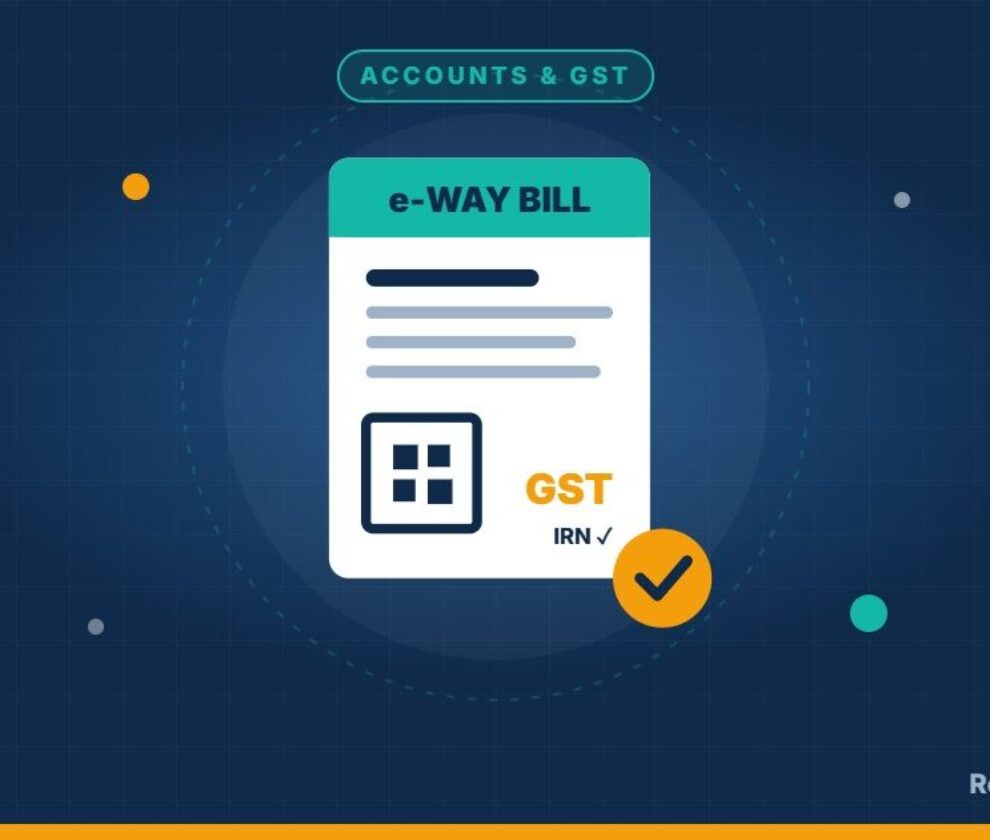
- GST invoice, e-invoice and e-way bill in the same flow. The net weight flows directly into the invoice. The e-way bill and GST e-invoice are generated from that same entry, so the truck leaves the gate with compliant paperwork. Our e-way bill and GST e-invoice guide explains the rules.
- Customer dues are checked before the next load. The system shows each customer’s outstanding balance. Your team can see who is over their limit before loading another truck on credit.
- Diesel is tracked by machine. Fuel monitoring shows consumption per loader, excavator and tipper, not just the diesel bills entered at month end. Large gaps between expected and actual use show up quickly. Read how to stop diesel theft in tippers and loaders.
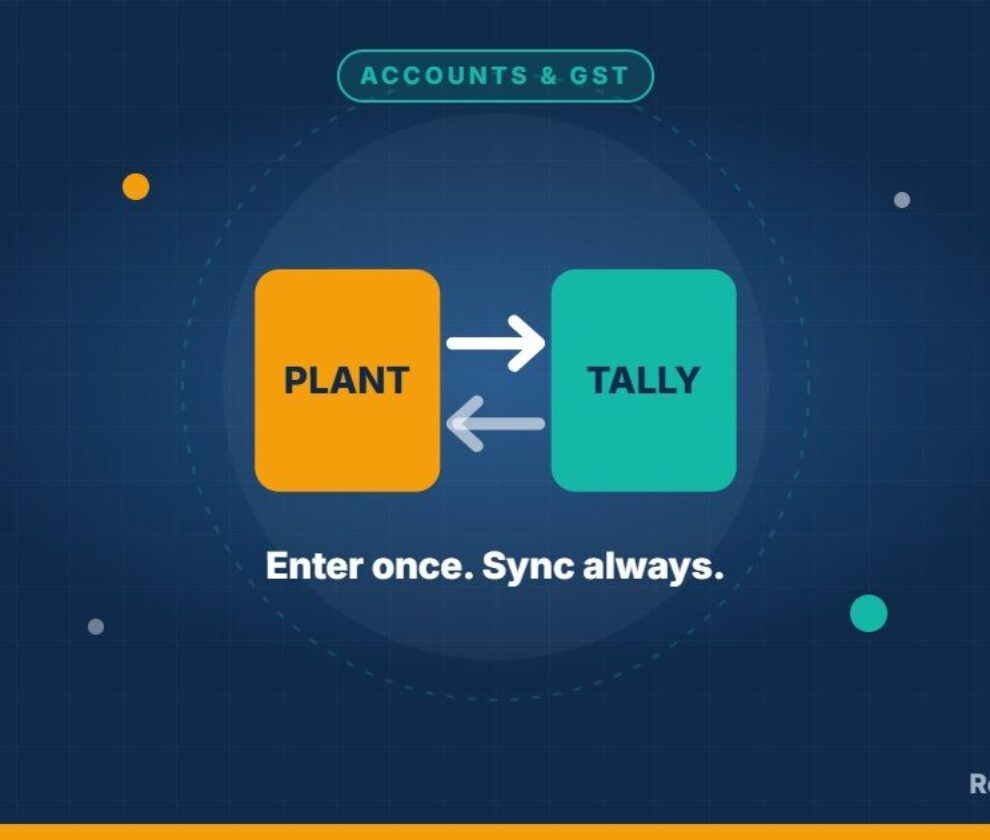
- Everything syncs to Tally. Sales, receipts and payments flow to Tally, so your accountant does not re-enter a single invoice and month-end matches the first time.
At day’s end, production by material, sales by customer, diesel used and money pending all sit in one report, built from the same entries.
What the Owner Sees on the Phone
Most crusher owners are not at the plant all day. A crusher management app should let you run the business from wherever you are. With the RokMixPro Android app on Google Play, owners can check:
- Today’s sales and dispatch, truck by truck
- Production by material and stock position
- Customer outstanding and who paid today
- Weighment records with vehicle photos
- Diesel consumption by machine
If your tippers also carry GPS, TrackMaster360 adds live vehicle location and trip history alongside the plant data.
Manual Crusher Management vs Crusher Plant Management Software
| Task | Registers, Excel and billing PC | Crusher plant management software |
|---|---|---|
| Weighment | Operator types the weight | Read directly from the weighbridge |
| Proof of load | Slip only | Empty and loaded vehicle photos on every slip |
| Invoice | Re-typed from the slip | Created from the net weight automatically |
| E-way bill and e-invoice | Separate portal, re-entered | Generated in the same entry |
| Customer credit | Checked after the truck leaves | Visible before loading |
| Diesel | Purchase bills in a notebook | Consumption monitored per machine |
| Accounts | Accountant re-enters into Tally | Synced to Tally |
| Owner’s view | Phone calls to the plant | Mobile app, any time |
Real Result: Tumkur Sands Lifted Throughput by 15%
Tumkur Sands increased plant throughput by 15% after moving its operations onto RokMixPro.
The gain did not come from a better invoice. It came from seeing production, weighment and diesel data in one place every day, so the team could spot where output was being lost and fix it the same week.
Getting Started: A 5-Point Readiness Checklist
Have these five basics ready and setup goes much faster.
- Weighbridge indicator with a data port (most modern indicators have one)
- IP camera covering the weighbridge platform
- GST login details for e-way bill and e-invoice
- Tally running at your accountant’s end
- Customer list with agreed rates per material
See RokMixPro on your own plant’s data. WhatsApp us at +91 82774 35678 for a free demo, or request a demo online. RokMixPro is built in Bengaluru by M RANK and used by stone crushers, quarries and mining companies.
Frequently Asked Questions
What is crusher plant management software?
It is software that runs a crusher’s daily operations in one system: weighbridge, dispatch, GST billing, e-way bills, fuel, customer dues and accounts.
How is it different from crusher billing software?
Billing software only records sales. Crusher plant management software also captures weighments, vehicle photos, production and diesel use, then creates the invoice from that data.
Can crusher software read weights from my existing weighbridge?
In most cases, yes. RokMixPro connects to the weighbridge indicator so weights flow straight to the slip and invoice.
Does it generate e-way bills and GST e-invoices?
Yes. RokMixPro generates the e-way bill and GST e-invoice from the same weighment entry.
Does it work with Tally?
Yes. Sales, receipts and payments sync to Tally, so nothing is entered twice.
Is there a mobile app for stone crusher management?
Yes. The RokMixPro Android app on Google Play shows sales, dues, production and weighments on your phone.
Is it only for stone crushers?
No. RokMixPro is used by stone crushers, quarries and mining companies.