Category: Blogs

Crusher ERP Software: A Practical Guide for Quarry Owners in India

What crusher ERP software does, which modules matter (weighbridge, camera, GST, Tally, fuel, fleet) and how to choose one for your stone crusher or quarry.

Read More

Stone Crusher Software in India: Why Billing Alone Is Not Enough

Stone crusher software that goes beyond billing: weighbridge, fuel monitoring, Tally and e-way bill in one crusher management app. Book a free demo.
Read More

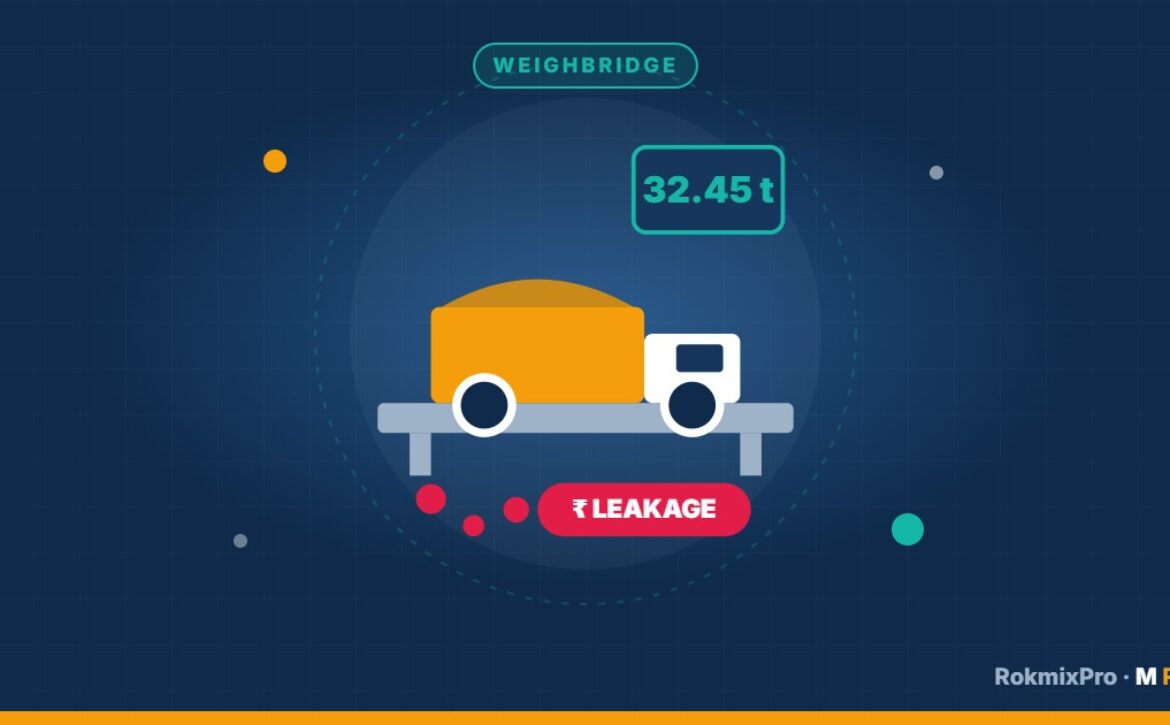
6 Ways Crushers Lose Money at the Weighbridge (and How to Stop It)

Crushers lose revenue at the weighbridge in six common ways: unbilled loads, edited weights, repeated tare, wrong material, credit leakage and missing trips. Every one of them can be closed by connecting the weighbridge, the gate and the billing system. Here is how each loss happens and how to stop it.

1. Loads that leave without a bill

When the weighbridge and billing are separate, a tipper can be weighed and leave with only a handwritten slip. The sale never reaches the books.

Fix: make the bill from the weighbridge entry itself, and open the gate only for billed trips.

2. Edited or retyped weights

If the operator types the weight into the billing software, a few hundred kilos can be “lost” on each load.

Fix: read the weight directly from the weighbridge indicator into the bill, with no manual entry.

3. Old or repeated tare weights

Using a stored tare weight instead of weighing the empty vehicle hides extra material carried.

Fix: record tare for every trip and flag tare values that differ from the vehicle’s usual figure.

4. Wrong material on the bill

A load of 20 mm billed as dust, or M-sand billed at a lower rate, quietly cuts revenue.

Fix: lock rates per material and customer, and review material-wise dispatch against production.

5. Credit sales that are never collected

Loads go out on credit, but outstanding balances are tracked in a notebook.

Fix: keep customer ledgers in the billing system and review outstanding reports weekly.

6. Trips that don’t match the gate

A vehicle passes the gate twice but is weighed once.

Fix: attach an IP camera photo of the vehicle to every weighment slip, so each trip has photo proof of the empty and loaded vehicle. Add GPS tracking for your own tippers to see every trip they make.

Putting it together

RokMixPro connects the weighbridge, IP camera photos, billing, GST e-invoice and e-way bill, and Tally in one system. Each load is weighed, billed and recorded once, and the owner sees it on the mobile app straight away. Read more about crusher billing software.

Book a free demo or call +91 98454 08134 to see RokMixPro running on real crusher data.

Read More

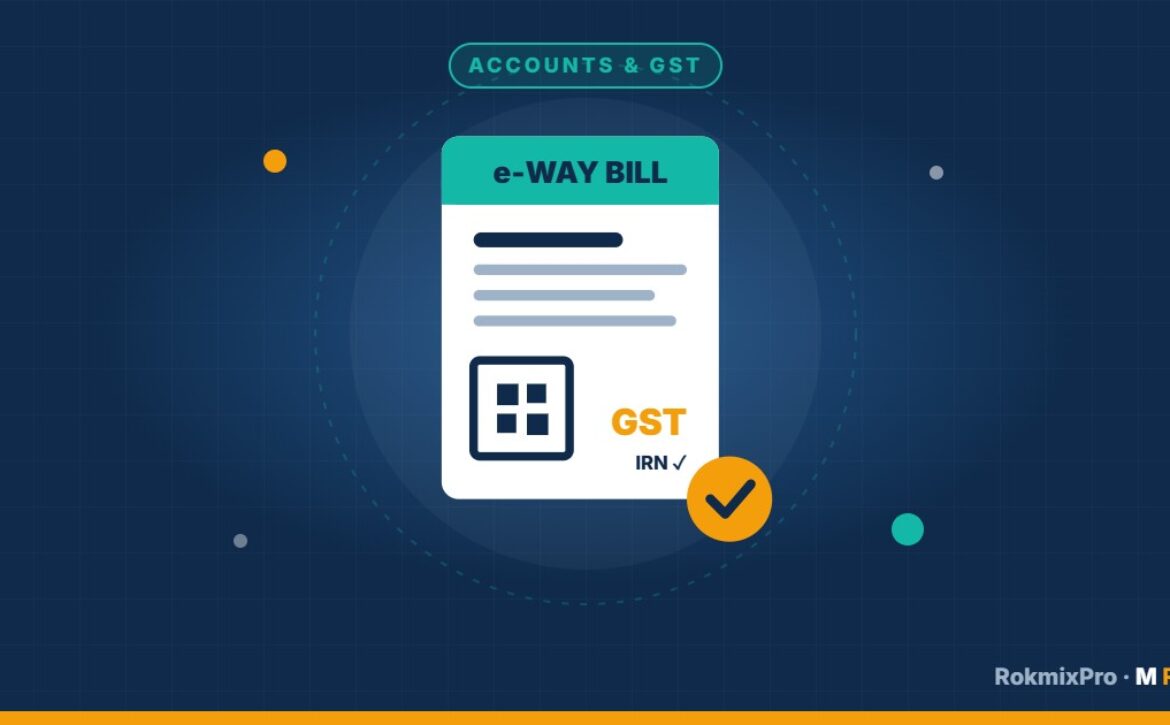
E-Way Bill and GST E-Invoice for Crusher Owners in Karnataka

Most crusher loads in Karnataka need an e-way bill, and larger crushers must also issue GST e-invoices. In Karnataka, an e-way bill is required when the value of goods moved is more than ₹50,000, whether the customer is inside or outside the state. E-invoicing is mandatory for businesses with aggregate annual turnover above ₹5 crore. This guide explains what that means at the weighbridge, and how to make both documents without slowing dispatch.

GST rules change from time to time. Confirm your own position with your chartered accountant.

When does a crusher load need an e-way bill?

An e-way bill is needed when goods worth more than ₹50,000 are moved, as per Karnataka’s threshold. A full tipper of aggregates or M-sand can cross this value, so many crushers simply generate an e-way bill for every sale dispatch. The e-way bill records the supplier, customer, material, value and the vehicle number.

When is a GST e-invoice required?

If your business’s aggregate turnover in any year since 2017-18 is above ₹5 crore, B2B invoices must be reported to the GST Invoice Registration Portal, which returns an IRN and QR code for the invoice. This threshold has applied since 1 August 2023 (Notification 10/2023 – Central Tax).

The problem at the weighbridge

At many crushers, the weighbridge operator weighs the tipper, writes the slip, and then someone else logs into the GST portals to make the e-way bill and e-invoice. That creates three problems:

  • Queues: tippers wait while documents are typed.
  • Errors: weights, vehicle numbers and rates are retyped and mistyped.
  • Gaps: some loads leave with incomplete paperwork, which is a compliance and revenue risk.

How to make e-way bills and e-invoices from the weighbridge entry

  1. The vehicle number is entered once at the weighbridge, and the IP camera adds a photo to the weighment slip.
  2. The weighbridge weight is captured directly into the dispatch entry.
  3. The customer, material and rate are picked from saved masters.
  4. The e-invoice and e-way bill are generated from that single entry and printed with the bill.
  5. The sale is synced to Tally for the accountant.

This is how RokMixPro crusher billing software works, so the operator never logs into a separate portal.

Checklist for crusher owners

  • Do you know your aggregate turnover and whether e-invoicing applies to you?
  • Is an e-way bill made for every dispatch above ₹50,000?
  • Is the vehicle number on the e-way bill the vehicle that actually left?
  • Are weights taken directly from the weighbridge, not retyped?
  • Do sales reach Tally the same day?

Want e-way bills and e-invoices made automatically at your weighbridge? Book a free RokMixPro demo or call +91 98454 08134.

Read More

How to Stop Diesel Theft in Quarry Tippers and Loaders

Diesel theft at quarries and crushers usually happens in five places: parked tippers, the site fuel tank, loaders and excavators, fake refuel bills, and long idling. Each one can be caught with the right measurement. This guide explains where the diesel goes and how crusher and quarry owners in Karnataka are stopping it.

Why diesel theft is so common on quarry sites

A crusher or quarry burns diesel in many machines at once: tippers on the road, loaders at the stockpile, excavators at the face and generators on site. Fuel is issued by hand, logged on paper, and checked at month end, if at all. That makes small, regular theft hard to see. A few litres a day from each vehicle quickly adds up to a large monthly loss.

Five ways diesel disappears

1. Draining parked tippers

Fuel is siphoned from tippers parked overnight or between trips. Without a fuel sensor, the loss only shows up as “high consumption”.

2. Paper refuels

The fuel register shows a fill that never fully reached the tank, or a bill is raised for more litres than were filled.

3. Loaders and excavators

Machines don’t travel, so kilometre-based checks don’t work. Fuel has to be compared with working hours instead.

4. Private trips

Company tippers are used for side trips during working hours or at night.

5. Idling

Engines left running in queues at the weighbridge or during breaks burn fuel for no work.

How to stop it

  1. Fit fuel monitoring on tippers and heavy machines, so the tank level is recorded continuously. Sudden drops trigger an alert with the time and place. See how M RANK fuel monitoring works.
  2. Add GPS tracking to every tipper, so you know where it was when fuel dropped, and whether it made a private trip. GPS tracking for tipper trucks.
  3. Match diesel to work done: litres per trip for tippers, litres per hour for loaders and excavators.
  4. Reconcile the site fuel tank daily against issues recorded for each machine.
  5. Review exceptions, not everything: let the system flag the vehicles and days that look wrong.

Why connecting fuel to billing matters

Fuel data is most useful next to production and sales. When RokMixPro crusher ERP holds the weighbridge entries and invoices, and TrackMaster360 holds the trips and diesel, you can see the fuel cost of every load sold, and spot the vehicles that use more diesel per trip than the rest.

Quick checklist

  • Is every tipper fitted with GPS and a fuel sensor?
  • Do you get an alert when fuel drops while a vehicle is parked?
  • Can you see litres per trip and per hour for each vehicle and machine?
  • Does someone review fuel exceptions every day?

M RANK builds crusher ERP, GPS tracking and fuel monitoring in Bengaluru. Book a free demo or call +91 98454 08134 to see where your diesel is going.
Read More

Your Plant in Your Pocket: The Crusher Management App for Owners

You shouldn’t have to drive to the plant to know how today went. The RokMixPro app puts your crusher in your pocket.
Read More

The ₹40,000 Jaw Plate Nobody Ordered: Spare Parts and Inventory Control at Your Crusher

A crusher stops for one missing part, while three of another part gather dust in the store. Here’s how to fix both problems.
Read More

M-Sand Plant Management Software: Running a Sand Plant by the Numbers

M-sand has become a mainstream building material across South India. Sand plants need software that understands grades, washing and high-volume dispatch.
Read More

Credit Is Not a Sale Until It’s Paid: Outstanding Control for Crushers

Every crusher owner has a contractor who lifts a hundred loads and pays for sixty. Here’s how to stop that without losing the customer.
Read More

Crusher Software with Tally Integration: Let Your Accountant Breathe Again

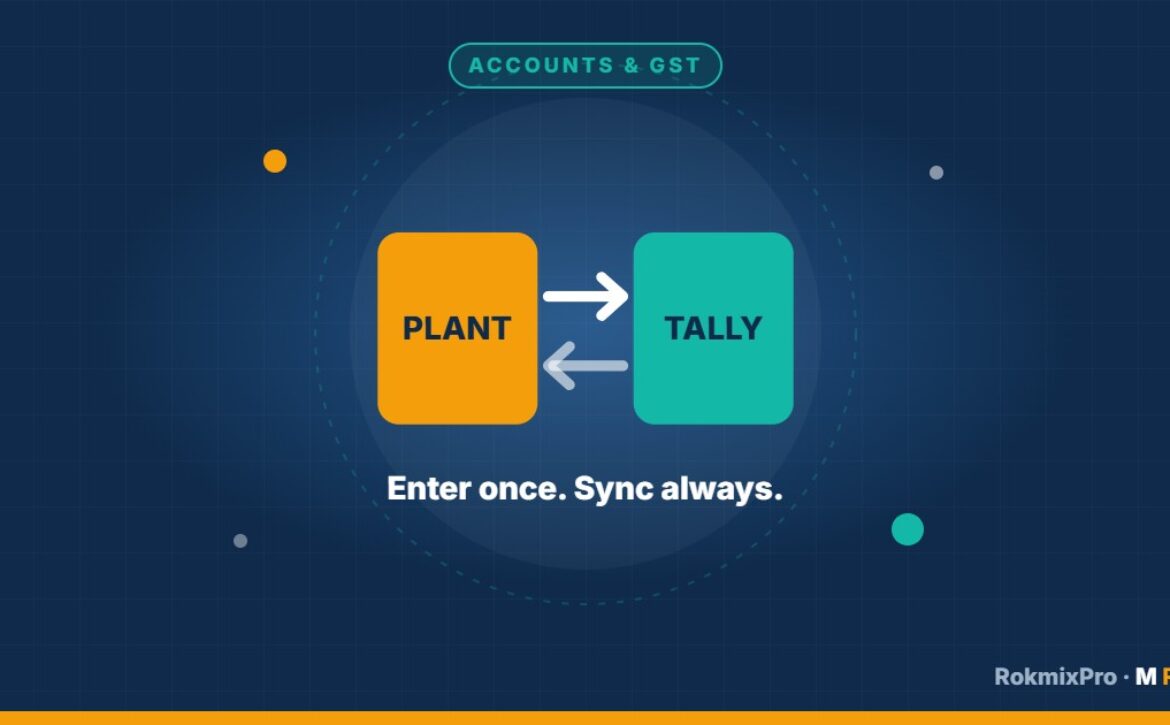
Your accountant loves Tally. Your plant needs crusher software. Integration means nobody has to type the same bill twice.
Read More